Most AI features in mobile apps don’t need a cloud model, and paying per token for them is a habit, not a requirement. Summarizing a note, tagging a caption, turning a voice memo into text or filling a form from a sentence is work a half billion parameter model does on the phone: offline, with no per request cost, and without sending your user’s text to anyone’s data center.
Codename One already had a provider neutral LlmClient for the cloud: OpenAI, Anthropic, Gemini, Ollama and any OpenAI compatible endpoint behind one API. This week it gained a client that runs the model on the phone, and a cn1lib that transcribes speech there too.
A local model behind the same API
LocalLlmClient llm = LlmClient.local(FileSystemStorage.getInstance()
        .getAppHomePath() + "qwen2.5-0.5b-instruct-q4_k_m.gguf");

llm.chat(ChatRequest.builder()
        .addMessage(ChatMessage.user("Name three primes"))
        .build()).ready(r -> Log.p(r.getText()));
LlmClient.local runs a GGUF model with llama.cpp. Any instruction-tuned GGUF works without configuration, because the prompt is rendered with the chat template the model file carries. The client supports chat, streaming, and embeddings. ResponseFormat.JSON_OBJECT is enforced with a grammar, so when you ask for JSON the output always parses, which is something small models are otherwise bad at.
Because it’s the same interface as the cloud clients, the decision of where a feature runs is one line:
LlmClient client = LocalLlmClient.isSupported()
        ? LlmClient.local(modelPath)
: LlmClient.ollama(); // desktop developmentChatRequest, streaming, JSON] --> I{LlmClient} I -->|LlmClient.local| L[llama.cpp on the phone
Metal on iOS] I -->|LlmClient.ollama| O[Ollama on your desktop] I -->|cloud providers| C[OpenAI, Anthropic, Gemini]
The model loads on the first request, which can take a few seconds for a larger file, and stays in memory until you call close(). Requests run one at a time on a background thread and the callbacks arrive on the EDT, so you update the UI directly. setContextSize, setThreads and setGpuLayers tune it, and on iOS the GPU layers run on Metal.
It runs on Android and iOS. In the simulator LlmClient.ollama() gives you the same API against the same model on your desktop. Tools and image inputs aren’t supported by the local client yet, and the request fails with a clear error if you send them.
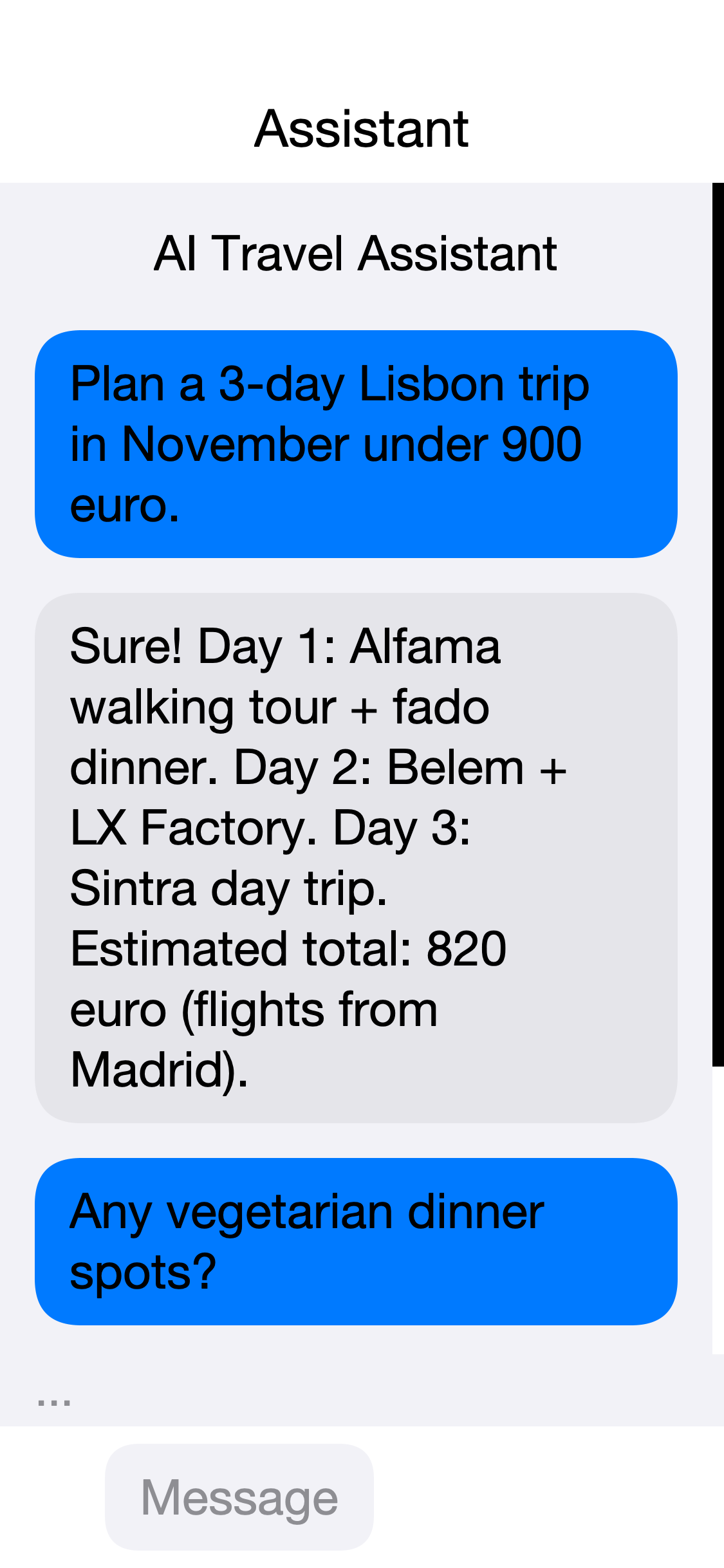
Since the callbacks arrive on the EDT, a streaming local reply can feed ChatView, the chat component from the cloud clients, token by token:
Speech to text, offline
The cn1-ai-whisper cn1lib runs whisper.cpp on the device. Give it a ggml whisper model and a 16 kHz mono WAV file:
WhisperRecognizer.transcribe(modelPath, audioPath)
        .ready(text -> noteField.setText(text));
transcribeSegments returns the text with millisecond timestamps for each segment, which is what you want for captions or for jumping to a spot in a recording. It runs on Android and iOS, and in the simulator too, so you can develop the feature on your desktop. With the cn1lib present, the general SpeechRecognizer API uses it in the simulator as well.
Voice memo to summary is then two calls, both on the device:
WhisperRecognizer.transcribe(whisperModel, memoWav).ready(transcript ->
        llm.chat(ChatRequest.builder()
                .addMessage(ChatMessage.system("Summarize in one sentence."))
                .addMessage(ChatMessage.user(transcript))
                .build()).ready(r -> summary.setText(r.getText())));
You only pay for what you link
Native AI libraries are big, and an app that never calls them shouldn’t carry them. The builders link llama.cpp only into apps that call LlmClient.local, and whisper only into apps that reference the whisper classes. Each library carries a private copy of ggml with its symbols hidden. An app can use both without the two copies colliding.
The native libraries are built from pinned upstream release tags and published to the Codename One Maven repository as Android AARs for four ABIs and iOS xcframeworks for devices and the simulator. Nothing binary is committed to our repository, and every .so is linked for 16 KB pages, as Google Play requires.
Shipping the model
Models are the part you have to plan. A 0.5 billion parameter model quantized to 4 bits is around 400 MB, and whisper’s base model is around 150 MB. Ship it as a download on first use rather than inside the app bundle, keep it in the app’s home directory, and pick the smallest model that does the job. For tagging, extraction and short summaries a small model is enough. For open-ended chat, the cloud clients are one line away.
Learn more
The AI and speech chapter covers LlmClient, the providers, streaming, ChatView and speech, and the LocalLlmClient javadoc covers the local options. If you build something with a local model, I’d like to hear which model you picked and why.